
Bill's Top 10 Rules For Minimizing a Breach
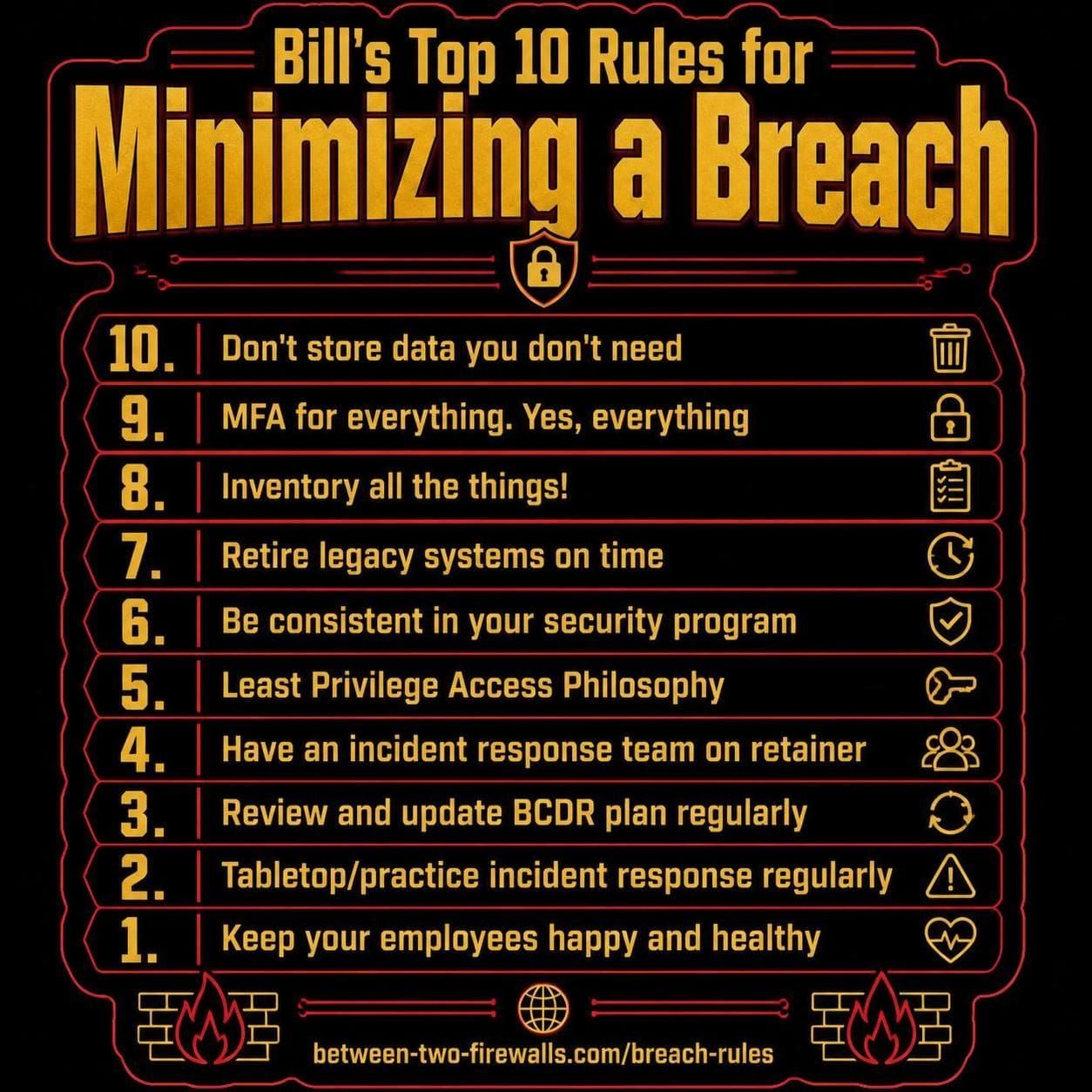
No, this list isn't from the home office in Wahoo, Nebraska. No, Paul Schaffer won't have the band doing musical stings after you read each of these. But if you have any actual interest in minimizing the impact of a breach to your organization (or your home), this list is for you. While breaches don't typically end organizations (just ask TJ Maxx, Home Depot, Target, most major hotel brands, nearly every resort on the Las Vegas Strip, every cellular carrier in the US...) they do tend to cost. A lot. For smaller companies this can be a bigger hurdle than for larger ones, making mitigation and preparation even more important. So without further adieu, here's the list.
TLDR - Here's the list:
10. Don't store data you don't need
9. MFA for everything. Yes, everything
8. Inventory all the things!
7. Retire legacy systems on time
6. Be consistent in your security program
5. Least Privilege Access Philosophy
4. Have an incident response team on retainer
3. Review and update BCDR plan regularly
2. Tabletop/practice incident response regularly
1. Keep your employees happy and healthy
Long Form - The Same List But With More Words!
I've been in the cybersecurity business for over 20 years, and I've been in IT for years before that. This is my world, and I don't make these recommendations lightly. They all deserve a bit more of a description, so let's dive in.
10. Don't Store Data You Don't Need
Contrary to what seems to be prevailing opinion, keeping data forever isn't a great idea. Ignoring the costs of storage, backup, etc., all non-public data is actually a liability. Certain types of data, such as Personally Identifiable Information and Protected Health Information, have significant regulatory responsibilities around them, meaning that losing them in a breach becomes even more expensive than, say, losing your business plans.
So my recommendation is this: be parsimonious in your decisions to collect data. Know your legal and regulatory requirements for that data, and treat it like the liability it is. Then, practice good data lifecycle policies and delete the data when it is no longer necessary to keep.
9. MFA For Everything. Yes, Everything.
Data breaches these days are no longer primarily about exploiting an unpatched vulnerability or programing "oopsie." Many of the most devastating breaches come from gaining control of a user's credentials. Good Multi-Factor Authentication (MFA) is an extremely effective hedge against this. Bad MFA isn't. But MFA is only useful where - and this is the kicker - you use it. If you use it to log into a laptop, but not into a website, that's not very helpful. If you use it to sign into SSO, but not into the laptop...yeah, same issue. So deploy good MFA everywhere. Yes, everywhere. That goes along with the assumption that you're not sharing logins to systems - every user has their own login for every system - and the like, otherwise known as Identity and Access Management table-stakes.
8. Inventory All the Things!

One of the assumed (and often unstated) rules of cybersecurity is that you can't protect what you don't know about. That includes hardware, software, cloud resources, people, pet salamanders, and pretty rocks (no judgement). It should go without saying that such an inventory is likely beyond the scope of your cybersecurity team's resources, and will take support from, well, the entire organization. The most difficult part of an inventory is keeping it up to date. When new software is installed on an endpoint, when a new user is added to a cloud service, when a laptop has been run over by one of those carts they use in the airports to move people with mobility issues from one end of the terminal to the other. A good inventory process will make an extremely valuable impact to your cybersecurity program.
7. Retire Legacy Systems On Time
As I write this, Windows 10 is approaching one month past official support from Microsoft. In any organization that is concerned about cybersecurity, that means there should no longer be any computers running Windows 10 (or older) workstation operating systems. Surely that can't be terribly important, right? Windows is a relatively secure operating system, right? Over the past five years Windows 10 had over 500 vulnerabilities disclosed per year, or over 1 per day on average. 30 days since the end of support could easily mean 40 new vulnerabilities that will never be patched by Microsoft.
Legacy systems are a special kind of cybersecurity hell. They often don't support modern cybersecurity solutions, and somehow they always get skipped in the inventory process. We get left with old systems that have poor security that are forgotten even as they're still in use. That's a recipe for a big breach, just ask Colonial Pipeline, or any water treatment plant that's been hacked in the past 5 years.
6. Be Consistent In Your Cybersecurity Program
 Bill Bernard
An inconsistent cybersecurity program is a program you can't trust. If you treat some people or systems as "exempt" from your program your program won't function when it needs to, and that breach will be an ugly one.
5. Practice Least Privilege Access
Least Privilege is a concept as old as cybersecurity, but it has been devilishly difficult to actually implement well. But core to every cybersecurity program is this concept: if you don't "need" access to the system/data/etc. then you don't get access to it. Zero Trust takes this concept even further, suggesting that unless you need the access "right now" you don't get it, and as soon as you've used the access for what you need you are again restricted.
4. Have an Incident Response Team On Retainer
If your home is on fire you know to get out and call 911 (in the US anyway). If you have a minor car crash you know to open up your insurance company's app and start filling out details. You know that you're working with a well funded group that you're familiar with, and that they're going to be there to assist you quickly and professionally.
When your organization has a breach event, do you know who you'll call? Will they already know you? Or will you have to get legal involved and sign a complicated contract in record time? It is absolutely worth it to have a response team on retainer, and I don't just mean a forensics team. How are you handling public relations? What's the legal advice on how you handle the breach? Who is coaching you on addressing a ransom demand?
Sorting this out before you have an emergency can dramatically improve your recovery experience.
3. Review and Update BCDR Plan Regularly
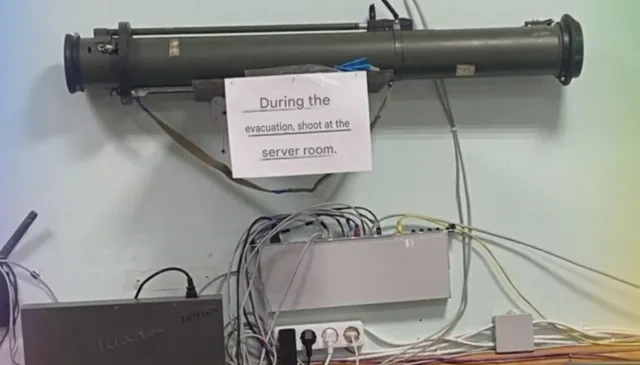
Your organization changes. Your tools change. The environment you're in changes. Your BCDR plan needs to keep up with those changes. Maybe it doesn't need to be updated that often, but it should be reviewed to be sure it is still applicable, complete, and achievable. (PS, if your business is 100% cloud hosted these days and your BCDR plan says things like "restore from tape backup," you should probably just start from scratch)
2. Tabletop/Practice Incident Response Regularly
Your sales team practices doing customer presentations. Your marketing team practices industry talks. Your CEO practices their board presentations. You need to practice your incident response regularly. Not excited? Maybe you're not thinking about this right. This is role-playing for executives! This is your excuse to play Dungeons and Dragons at work! No? Still not getting you excited? OK, let's try this:
Here's how you use up the money you spent on that IR retainer. Yes, there are few better ways to make sure you've gotten value from your IR retainer each year than using those resources to run an IR tabletop exercise with you. They get to play Dungeon Master, referee, scorekeeper, and even "bad actor" while you and your organization get to play, well, fictional versions of yourselves!
Jokes aside, I know of no better way to be sure you're ready for handling a breach than practicing this way. None.
1. Keep Your Employees Happy and Healthy

Why the heck is this in a breach checklist? Has Bill gone off the deep-end? Maybe, but hear me out before you pass judgement.
"Insider Threat" is one of the scariest breach scenarios out there. Nobody knows how to ruin your organization better than the people who work for it. We've seen more and more examples of criminals recruiting and paying insiders to be their Trojan Horse into the organization. And these employees don't have to be the ones with high level access, they just have to have access to "something" that can act as a foothold.
We also know that you need your cybersecurity team operating at peak efficiency in order to head potential issues off, and to be ready to respond to breaches when they happen. Burning the midnight oil to get the company back up after a major cybersecurity event has a lot to do with how motivated your team is to protect the organization.
I know, that's not "your job" in cybersecurity, is it? Well, nobody said this list was just for cybersecurity people - your peers throughout the organization are a part of this too, make sure they know that.
Breach Survival Doesn't Stop Here
These are just my top 10 recommendations. They're spread across the spectrum from lowering the liklihood of a breach, through limiting the impact of a breach, to limiting the recovery pain from a breach. That's because focusing on any one of those three areas isn't nearly enough these days, and can frankly border on malpractice.
Following these rules won't guarantee you never have a breach, or that your breach is painless - reality doesn't work that way. Your results will vary depending on how you implement these recommendations, what sort of data you have, what is motivating malicious actors this month, etc. But this is a list of things you have some level of control over, and that makes it a very good place to start.